
01
Choose a photo with a readable subject
Clear edges, good lighting, and visible depth make it easier to describe which parts should move and which details should remain stable.
Photo to Video
Upload a clear image and describe how the subject, camera, and environment should move.
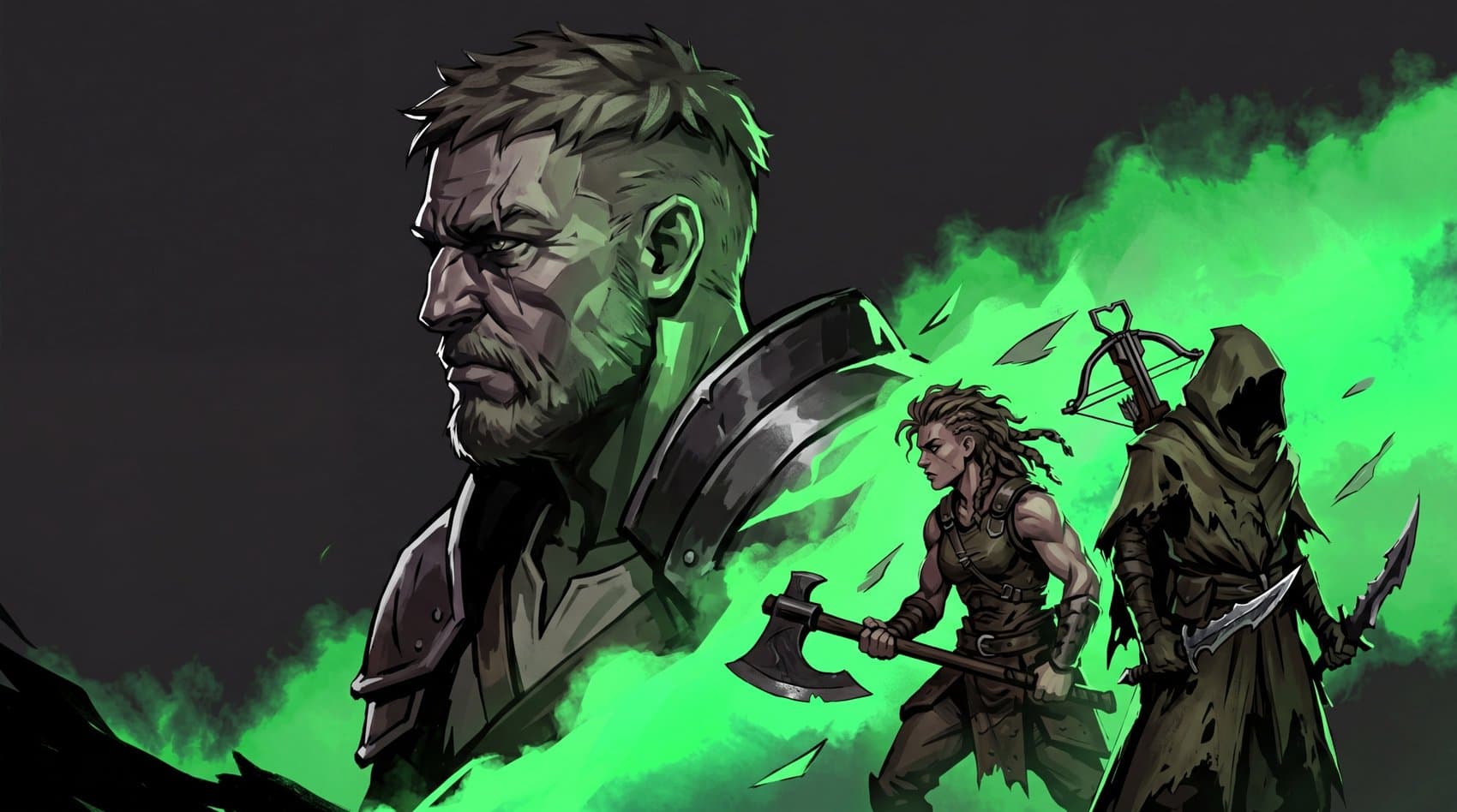
Image-led workflow
A strong source image anchors composition and identity while the prompt controls camera movement, subject motion, and progression.
Upload a clear photo and identify the details to preserve.
Choose a photo with a readable subject
Preserve the original composition with a restrained motion plan
Clear edges, good lighting, and visible depth make it easier to describe which parts should move and which details should remain stable.
Describe subject action, camera movement, and environmental motion separately. Too many competing actions can make the result unstable.
03For portraits, artwork, or branded products, small camera pushes, fabric movement, light shifts, and background motion often preserve the source better.
Workflow
Clear edges, good lighting, and visible depth make it easier to describe which parts should move and which details should remain stable.
Describe subject action, camera movement, and environmental motion separately. Too many competing actions can make the result unstable.
For portraits, artwork, or branded products, small camera pushes, fabric movement, light shifts, and background motion often preserve the source better.
Prompt recipe
Create a polished video for "Turn a photo into an AI video with directed motion". Audience: Animate portraits, artwork, products, or environments from one photo. Upload a clear photo and identify the details to preserve. Describe subject, camera, and environmental motion separately. Generate the clip and reduce motion if the source identity drifts.
Interactive starting point
How To
Upload a clear photo and identify the details to preserve.
Describe subject, camera, and environmental motion separately.
Generate the clip and reduce motion if the source identity drifts.
FAQ
Yes, provided you have the right to use the image. Subtle facial and camera movement is usually safer than large actions.
Large motion, unclear details, occlusion, or conflicting instructions can cause drift; simplify the motion and use a clearer source.
Yes. Describe whether you want the original style preserved or intentionally transformed during motion.