
01
Decide what must match at frame one
Identify the subject position, camera angle, lighting, color, and background elements that define the opening composition.
First Frame Video
Anchor the opening composition with an image, then guide the motion and camera behavior through the rest of the clip.
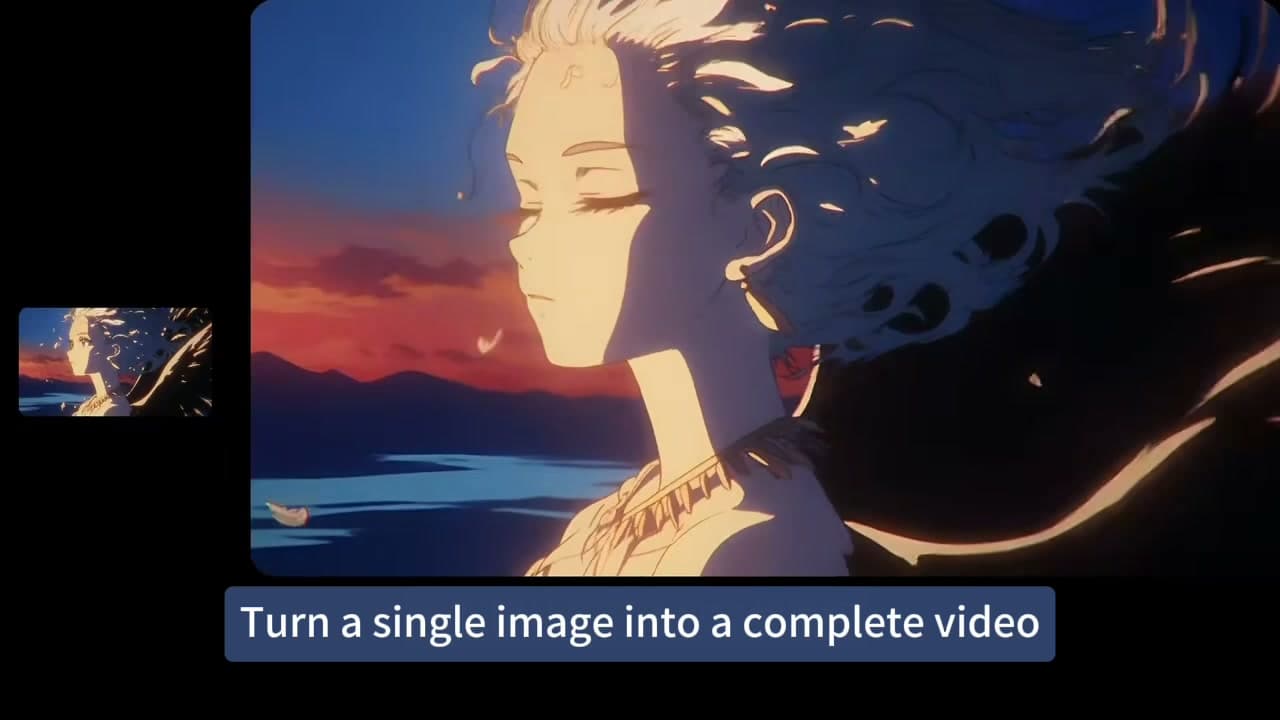
Image-led workflow
A strong source image anchors composition and identity while the prompt controls camera movement, subject motion, and progression.
Upload the opening frame and choose first-frame or first-and-last mode.
Decide what must match at frame one
Use first-and-last frames when the destination also matters
Identify the subject position, camera angle, lighting, color, and background elements that define the opening composition.
Explain what begins moving, how the camera responds, and what changes in the environment instead of repeating the content already visible.
03When the final composition matters, provide both endpoints and describe the intended transition without over-constraining every intermediate moment.
Workflow
Identify the subject position, camera angle, lighting, color, and background elements that define the opening composition.
Explain what begins moving, how the camera responds, and what changes in the environment instead of repeating the content already visible.
When the final composition matters, provide both endpoints and describe the intended transition without over-constraining every intermediate moment.
Prompt recipe
Begin exactly from the supplied first frame, then introduce gradual subject motion, a deliberate camera path, and a coherent scene progression.
Interactive starting point
How To
Upload the opening frame and choose first-frame or first-and-last mode.
Describe the motion path, camera behavior, and scene progression.
Generate and compare whether the start, transition, and destination remain coherent.
FAQ
It is an image-to-video workflow that uses a supplied image as the exact visual starting point for the generated clip.
Use both when the start and destination compositions matter, such as transitions, reveals, or controlled character movement.
Preservation varies by model and prompt; simplify motion and make the source image clear when opening-frame accuracy is critical.