
01
Better visual control than prompt-only generation
Starting from an image reduces ambiguity. The model has a concrete visual anchor for character look, product shape, composition, and palette.
Image to Video
Upload a product shot, character, frame, or concept image and turn it into motion while preserving the visual idea.
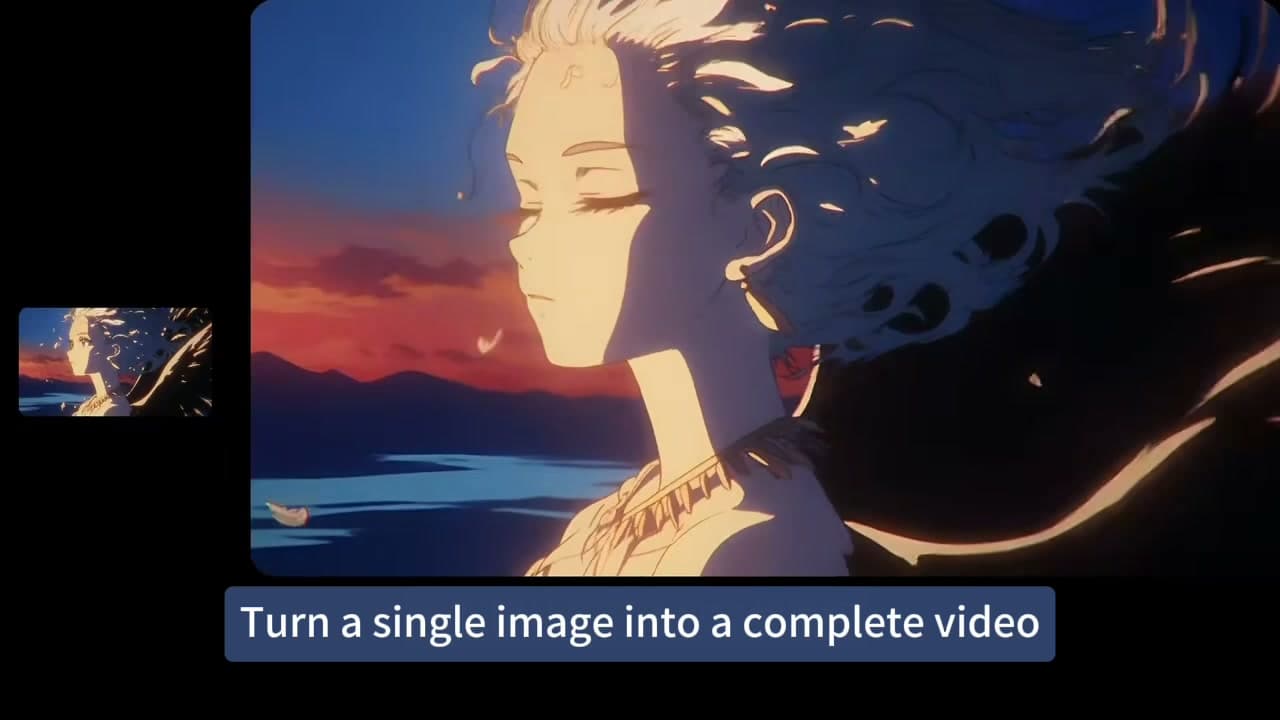
Image-led workflow
A strong source image anchors composition and identity while the prompt controls camera movement, subject motion, and progression.
Upload the image you want to animate.
Better visual control than prompt-only generation
Useful for e-commerce, social ads, teasers, and story tests
Starting from an image reduces ambiguity. The model has a concrete visual anchor for character look, product shape, composition, and palette.
Image-to-video pages can target photo animation, product video, character motion, and first-frame generation queries without splitting the product workflow.
03A user can land on this page, upload an image, generate motion, and continue in the editor without touching language or URL migration work.
Workflow
Starting from an image reduces ambiguity. The model has a concrete visual anchor for character look, product shape, composition, and palette.
Image-to-video pages can target photo animation, product video, character motion, and first-frame generation queries without splitting the product workflow.
A user can land on this page, upload an image, generate motion, and continue in the editor without touching language or URL migration work.
Prompt recipe
Preserve the subject and composition from the source image. Add controlled camera movement, subtle environmental motion, and natural subject movement without changing identity.
Interactive starting point
How To
Upload the image you want to animate.
Describe the motion, camera direction, and mood.
Generate the clip and refine with a new prompt if needed.
FAQ
Clear subjects, good lighting, and uncluttered compositions usually produce stronger image-to-video results.
Yes. Image-to-video is especially useful for product teasers, e-commerce assets, and short social clips.
The model uses the image as the starting reference, though exact preservation depends on the selected model and prompt.