
 01
01Protect the product before adding spectacle
Use a clean source image and describe which visual details must remain stable, including silhouette, packaging, color, surface, and logo placement.
Product Videos
Use a product photo as the visual anchor, then direct motion, framing, setting, and mood for e-commerce and campaign content.

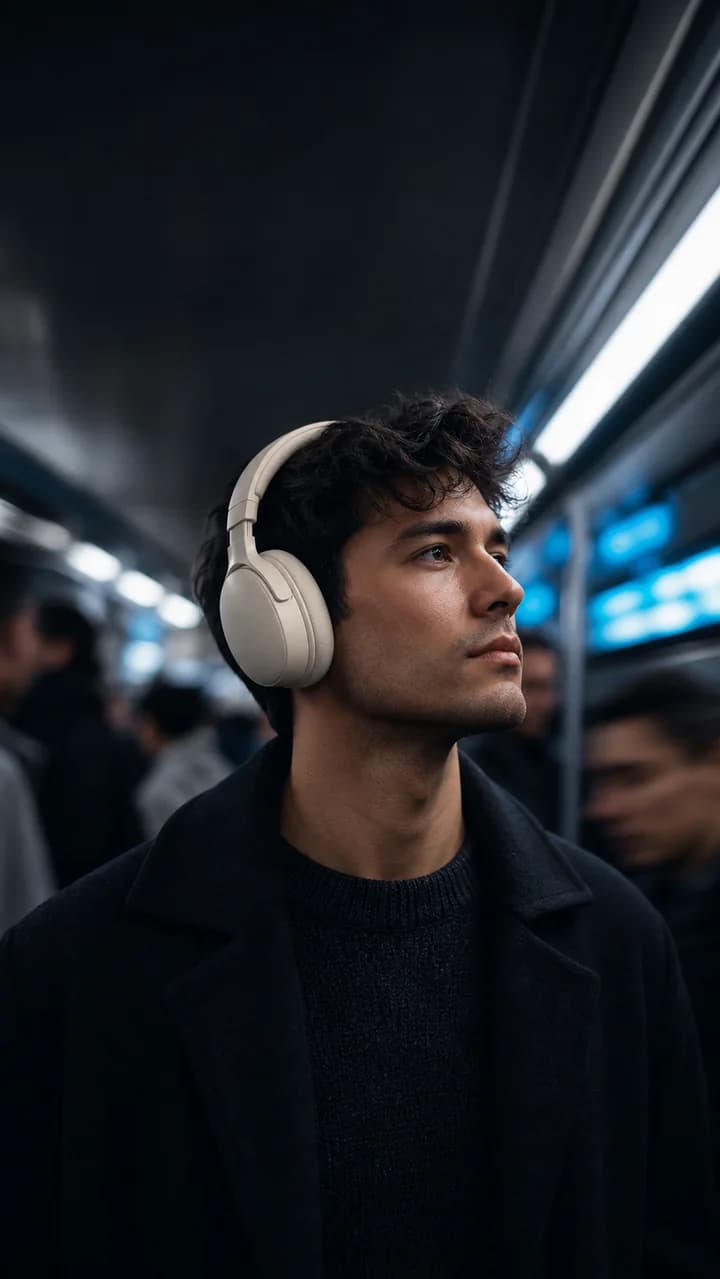

Campaign case study
Use a concrete campaign brief, compare different hooks, and move only the strongest direction into production.
Upload a clear product image with the important details visible.
Protect the product before adding spectacle
Adapt one product image for e-commerce and campaign formats
01Use a clean source image and describe which visual details must remain stable, including silhouette, packaging, color, surface, and logo placement.
02A hero reveal establishes the product, a detail shot proves quality, and an in-use scene explains the benefit. Each shot should add new information.
03Use restrained camera movement for premium or technical products and faster transitions for energetic social creative, while keeping the product readable.
Workflow
Use a clean source image and describe which visual details must remain stable, including silhouette, packaging, color, surface, and logo placement.
A hero reveal establishes the product, a detail shot proves quality, and an in-use scene explains the benefit. Each shot should add new information.
Use restrained camera movement for premium or technical products and faster transitions for energetic social creative, while keeping the product readable.
Prompt recipe
Create a product-focused short video with a clean hero reveal, a close detail shot, a real-world use moment, and a concise benefit-led CTA.
Interactive starting point
How To
Upload a clear product image with the important details visible.
Describe a hero shot, detail shot, use moment, and final benefit.
Generate the sequence and reject versions that distort the product.
FAQ
Use a sharp image with clear edges, accurate color, good lighting, and enough background space for camera movement.
An image reference improves consistency, but you should still review labels, logos, proportions, and small packaging details.
Yes. Plan composition and text-safe areas separately for each aspect ratio instead of relying on a simple crop.